
 LOWEST PRICE OF THE YEAR
 LOWEST PRICE OF THE YEAR | Free Gift Every Order



Browse this MCore video library
Find the Gweike MCore tutorial video for the task you are working on—from initial setup and first cuts to rotary processing, conveyor use and maintenance. The videos are grouped by workflow so you can go directly to the relevant demonstration.
Choose a task, watch the matching demonstration, then verify your setup
Use the video to understand the workflow, then check the relevant written guide and current MCore documentation before operating the machine. Parameter values depend on the material, process and configuration; do not treat a demonstration as a universal preset.
Setup & Machine Preparation
Start with the setup topic that matches your current step. For installation, gas and optical procedures, use the current MCore manual as the controlling reference; the videos are demonstrations, not a substitute for the manual.
 Watch video ↗
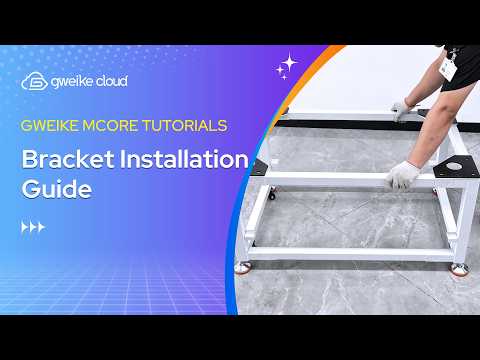
MCore Unboxing & Setup
Review the unboxing and initial setup demonstration before moving on to the specific connection and calibration videos.
Watch on YouTube Watch video ↗
Software Installation & Setup Guide
Follow the video for the software installation and initial setup workflow shown for MCore.
Watch on YouTube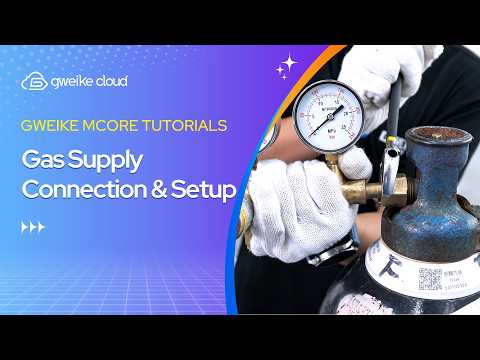 Watch video ↗
Gas Supply Connection & Setup
See the gas-supply connection and setup demonstration. Check the current manual for the approved configuration and operating requirements.
Watch on YouTube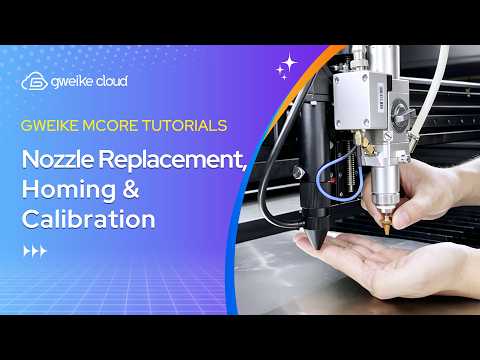 Watch video ↗
Nozzle Replacement, Homing & Calibration
Watch the demonstrated nozzle replacement, homing and calibration workflow. Confirm the correct procedure for your machine configuration in the manual.
Watch on YouTube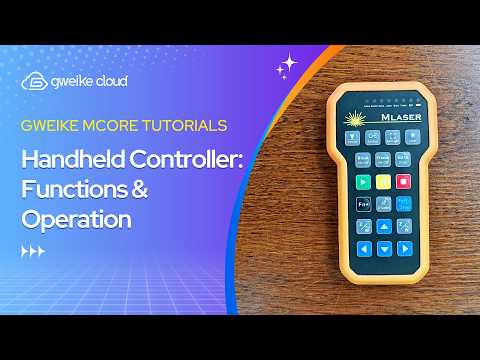 Watch video ↗
Handheld Controller: Functions & Operation
Use this video to review the handheld controller functions and operation shown for MCore.
Watch on YouTube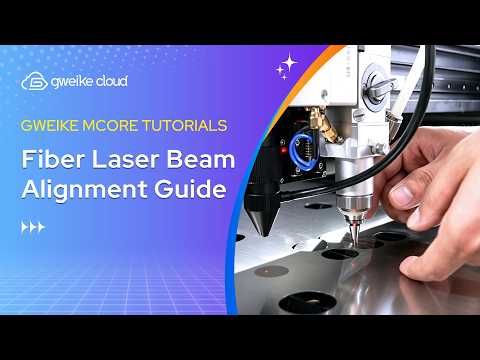 Watch video ↗
Fiber Laser Beam Alignment Guide
Review the alignment demonstration and follow the current MCore safety and service instructions before making optical adjustments.
Watch on YouTubeFirst Cuts: Metal and Non-Metal
These videos introduce cutting workflows. For material-specific settings, preparation checks and a scrap-test process, continue to the written first-cut and parameter guides.
 Watch video ↗
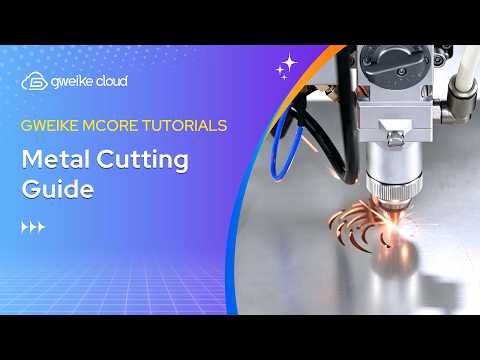
Metal Cutting Guide
Watch the MCore metal-cutting demonstration, then use the matching material and thickness guide before running a test.
Watch on YouTube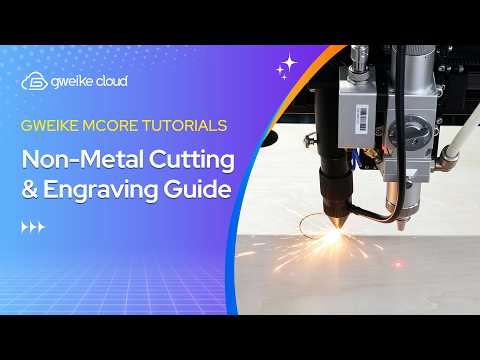 Watch video ↗
Non-Metal Cutting & Engraving Guide
See the non-metal cutting and engraving demonstration. Confirm the material is suitable and select its dedicated MCore guide.
Watch on YouTubeFor a step-by-step first-job workflow, see the Gweike MCore First Cut Setup & Parameter Test Guide. Use the MCore Laser Settings & Parameters Guide for the current material-specific references.
Advanced Cutting Operations
These tutorials cover software operations used around cutting jobs. The available controls and interface may vary by software version; follow the current MCore documentation for the interface in use.
 Watch video ↗
Adding Lead Lines for Laser Cutting
See how the lead-line operation is added in the demonstrated cutting workflow.
Watch on YouTube Watch video ↗
How to Add Micro-Joints
Follow the video to see how micro-joints are added to the demonstrated cutting job.
Watch on YouTube Watch video ↗
Jog Cutting: Setup & Operation
Review the setup and operation demonstrated for jog cutting.
Watch on YouTube Watch video ↗
Repeat Processing: Setup & Operation
See the repeat-processing setup and operation shown in the MCore tutorial.
Watch on YouTubeCamera, Scan Engraving & Bitmap Processing
Use these videos when your task involves the camera function, scan engraving or bitmap processing. For version-specific menus and calibration details, refer to current MCore software documentation.
 Watch video ↗
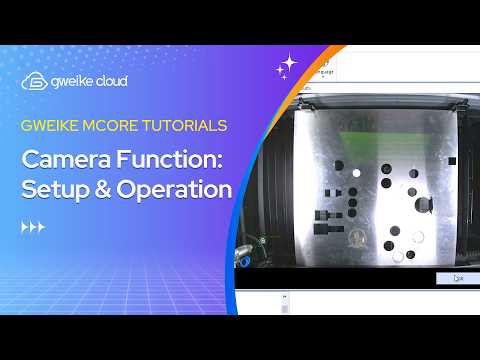
Camera Function: Setup & Operation
Review the camera-function setup and operation demonstrated for MCore.
Watch on YouTube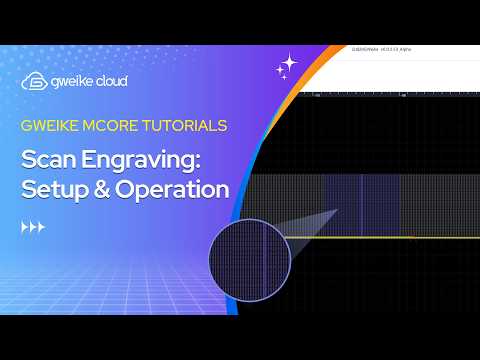 Watch video ↗
Scan Engraving: Setup & Operation
Follow the scan-engraving setup and operation shown in the tutorial.
Watch on YouTube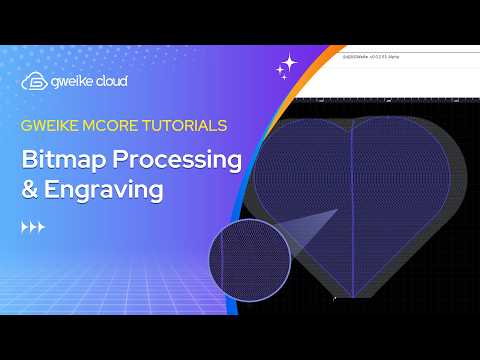 Watch video ↗
Bitmap Processing & Engraving
See the bitmap-processing and engraving workflow demonstrated in the MCore video.
Watch on YouTubeRotary Axis Processing
The rotary tutorials are separated by the workpiece and rotary type named in each video. Confirm accessory compatibility and the approved setup for your MCore configuration before use; do not infer compatibility from a similar-looking rotary.
 Watch video ↗
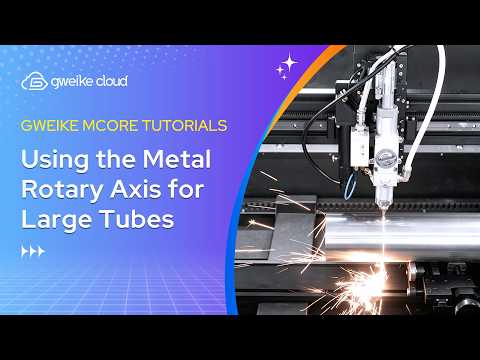
Using the Metal Rotary Axis for Large Tubes
Watch the metal-rotary workflow demonstrated for large tubes.
Watch on YouTube Watch video ↗
Using the Metal Rotary for Small Tubes
Review the metal-rotary setup shown for small tubes.
Watch on YouTube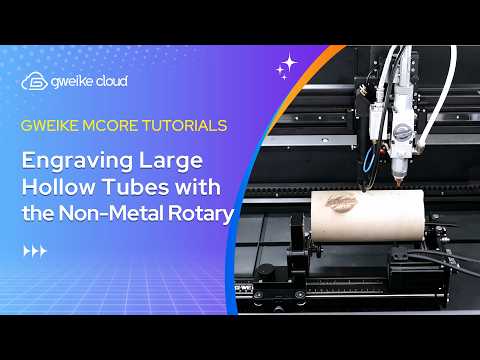 Watch video ↗
Engraving Large Hollow Tubes with the Non-Metal Rotary
Watch the non-metal rotary engraving demonstration for large hollow tubes.
Watch on YouTube Watch video ↗
Engraving Small Tubes with the Non-Metal Rotary
See the non-metal rotary engraving workflow demonstrated for small tubes.
Watch on YouTube Watch video ↗
Engraving Solid Tubes with the Non-Metal Rotary
Review the non-metal rotary engraving demonstration for solid tubes.
Watch on YouTubeIntelligent Conveyor Installation & Operation
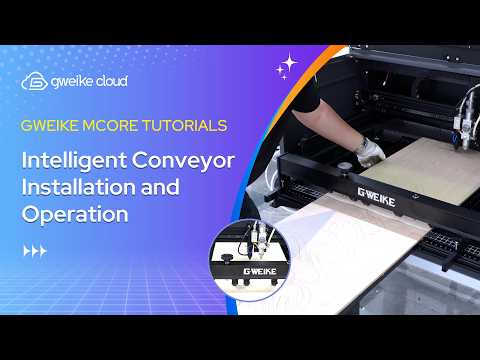
This video covers the intelligent conveyor installation and operation shown for MCore. Check the current product documentation for compatibility, installation requirements and supported workflow before using the accessory.
 Watch video ↗
Intelligent Conveyor Installation and Operation
Follow the conveyor installation and operation demonstration, and verify the accessory instructions for your machine.
Watch on YouTubeMaintenance & Calibration
These videos cover three different tasks—not one interchangeable maintenance procedure. Follow the current manual and safety directions for the specific optical component or adjustment, and contact Gweike support if the required procedure is unclear.
 Watch video ↗
CO₂ Focus Lens Cleaning & Replacement
Review the CO₂ focus-lens cleaning and replacement demonstration. Use the correct lens and procedure specified for your MCore configuration.
Watch on YouTube Watch video ↗
Reverse Clearance Adjustment for Engraving
Watch the demonstrated reverse-clearance adjustment workflow for engraving.
Watch on YouTube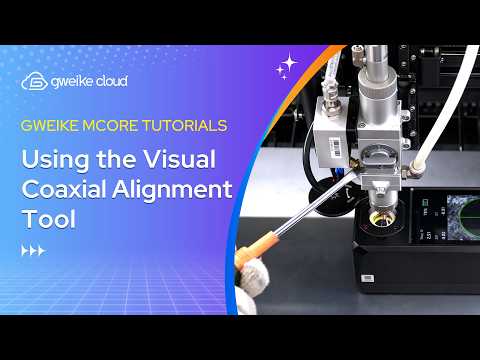 Watch video ↗
Using the Visual Coaxial Alignment Tool
Review the visual coaxial alignment tool demonstration and follow the applicable MCore documentation.
Watch on YouTubeRelated Gweike MCore Written Guides
Use the videos for a visual walkthrough and the written guides for material references, test workflows and troubleshooting. Always confirm that a guide applies to your MCore version and configuration.
Explore the Gweike MCore
Review the current MCore product details and configuration before choosing accessories or planning a workflow.
View Gweike MCore Open MCore Documentation